
Interactive touchscreens that bring content to life
- Multitouch
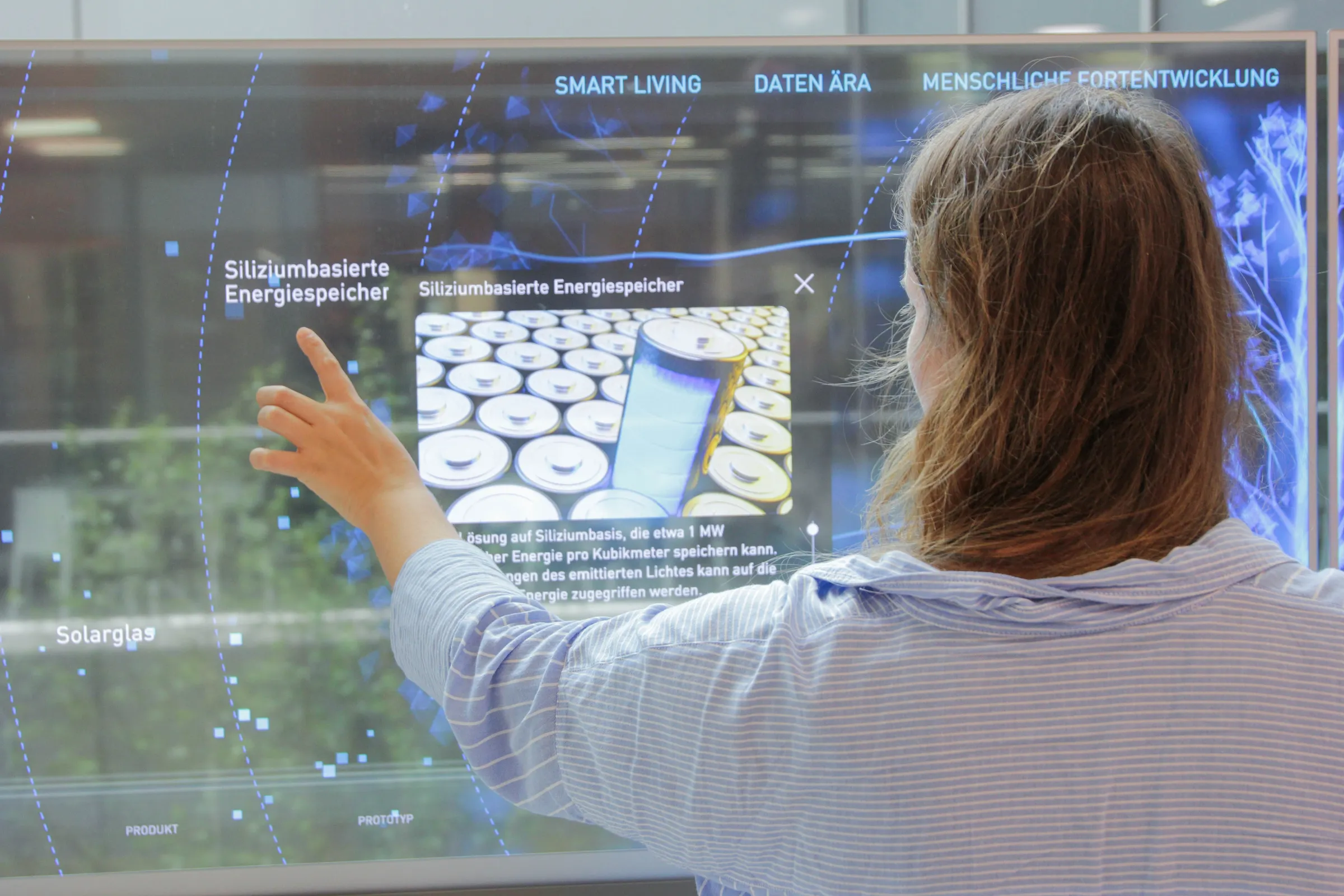
Interactive touch displays combine stunning visuals with direct, intuitive operation. Your visitors can tap, swipe, zoom, compare and explore content at their own pace – in your corporate showroom, at your exhibition stand or in your visitor centre. We don’t simply develop an oversized, off-the-shelf tablet, but rather a robust, integrated system comprising a display, bespoke software, content management, sensor technology, design and technical integration.
An interactive touch display is a touch-sensitive screen on which users can control digital content directly using their fingers or styluses. A multi-touch display recognises multiple touches simultaneously, thereby enabling gestures, collaborative applications and simultaneous use by several people.
What are interactive touchscreens?
A traditional screen displays content passively. An interactive touch display makes it operable and therefore interactive. The touch-sensitive surface transmits user inputs directly to the software. Users can access information, rotate 3D models, move maps, compare options or customise products themselves – without a mouse, keyboard or instruction.
The combination of hardware and software is key. A high-resolution touchscreen alone does not guarantee a good user experience. It is only through an intuitive interface, a clear structure and content tailored to the usage context that the display becomes an effective presentation medium.
System
Interaction
Typical uses
Strength
Standard display
No direct input
Video, presentation, digital signage
Long-range operation, affordable price
Touchscreen
Tap, swipe, write
Information, Navigation, Self-service
Intuitive single-user operation
Multitouch display
Multiple touches at the same time
Collaboration, multi-user, gestures
Exploring together
Interactive integrated system
Touch and sensor technology, objects, room control
Showroom, trade fair, brand showroom
A personalised experience
Why interactive touch displays need to be more than just hardware
Many technology solutions start with screen size, resolution and connectivity. We start with your objectives: What do you want people to understand? Which decisions do you want to make easier? Which story do you want to leave a lasting impression? And how does the interaction fit into the space, the visitor experience and your existing systems?
A professional solution therefore comprises several levels:
- Display and touch technology: tailored to viewing distance, lighting conditions, number of users, installation and operating time.
- Customised touchscreen software: with a user interface that is intuitive and requires no explanation.
- Content and storytelling: text, images, videos, 3D models, data and animations presented in a coherent narrative structure.
- Computers and system integration: designed for smooth display, interfaces and reliable operation.
- CMS and data integration: so that you can keep your content up to date and import it from existing systems as required.
- Sensors and physical components: for object recognition, proximity detection, lighting control or integration with exhibits.
The result is not an isolated screen, but an interactive station that works within the space and remains usable in the long term.
Interactive touchscreens for showrooms and interactive exhibitions
The technology is versatile. Whether it realises its full potential depends on the usage concept. Garamantis therefore always designs interactive touchscreens with the specific moment of the visit in mind.
Corporate showrooms and visitor centres
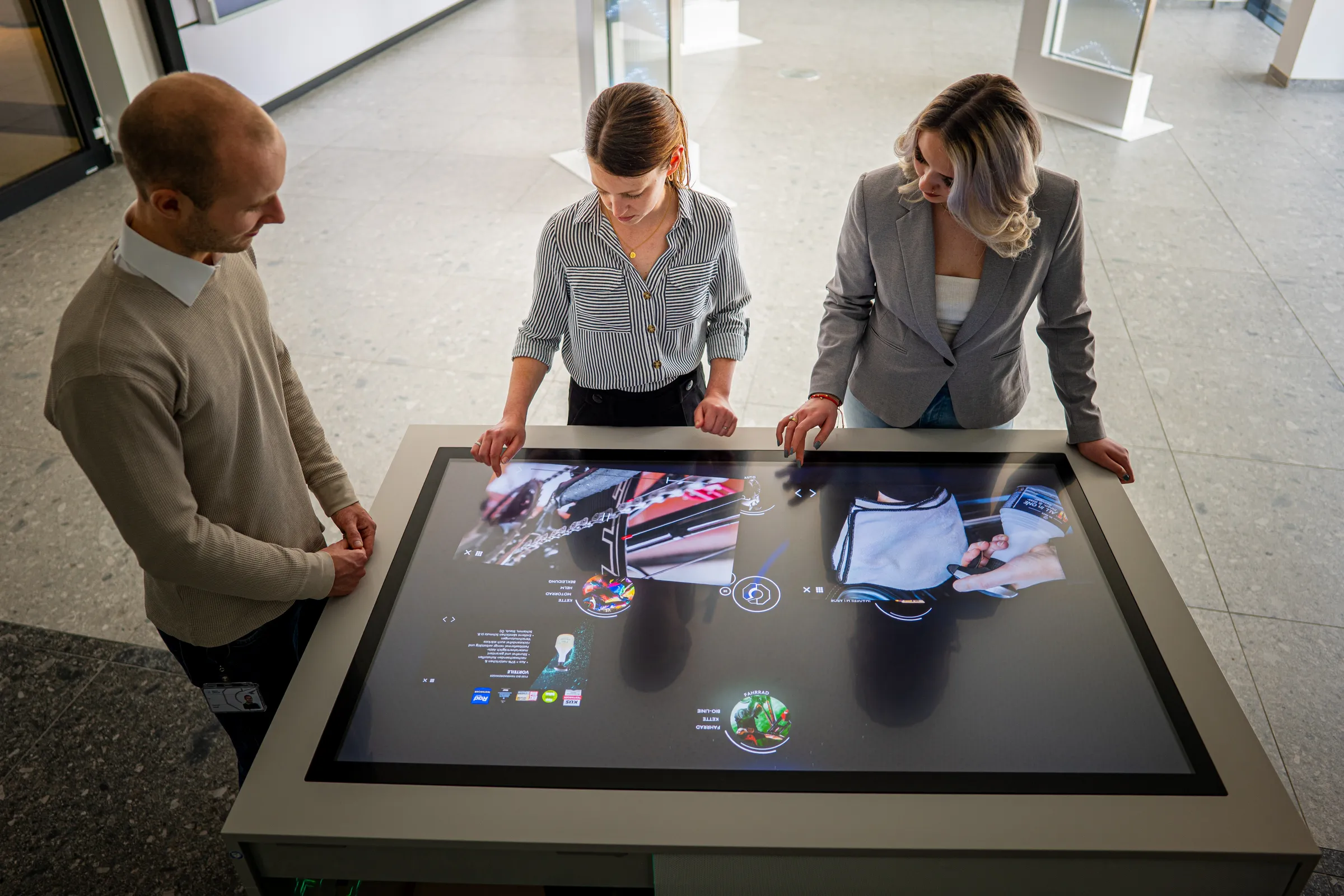
In the showroom, touchscreen displays support consultancy, sales, recruitment and corporate communications. Products, locations and processes can be explored in as much or as little detail as required. A group can first view the overall picture on a large screen wall and then work together on the touchscreen to delve into the technical details.
For connected spaces, we combine displays with, amongst other things, bespoke multi-touch software, a CMS and other media surfaces.
Interactive exhibition stands
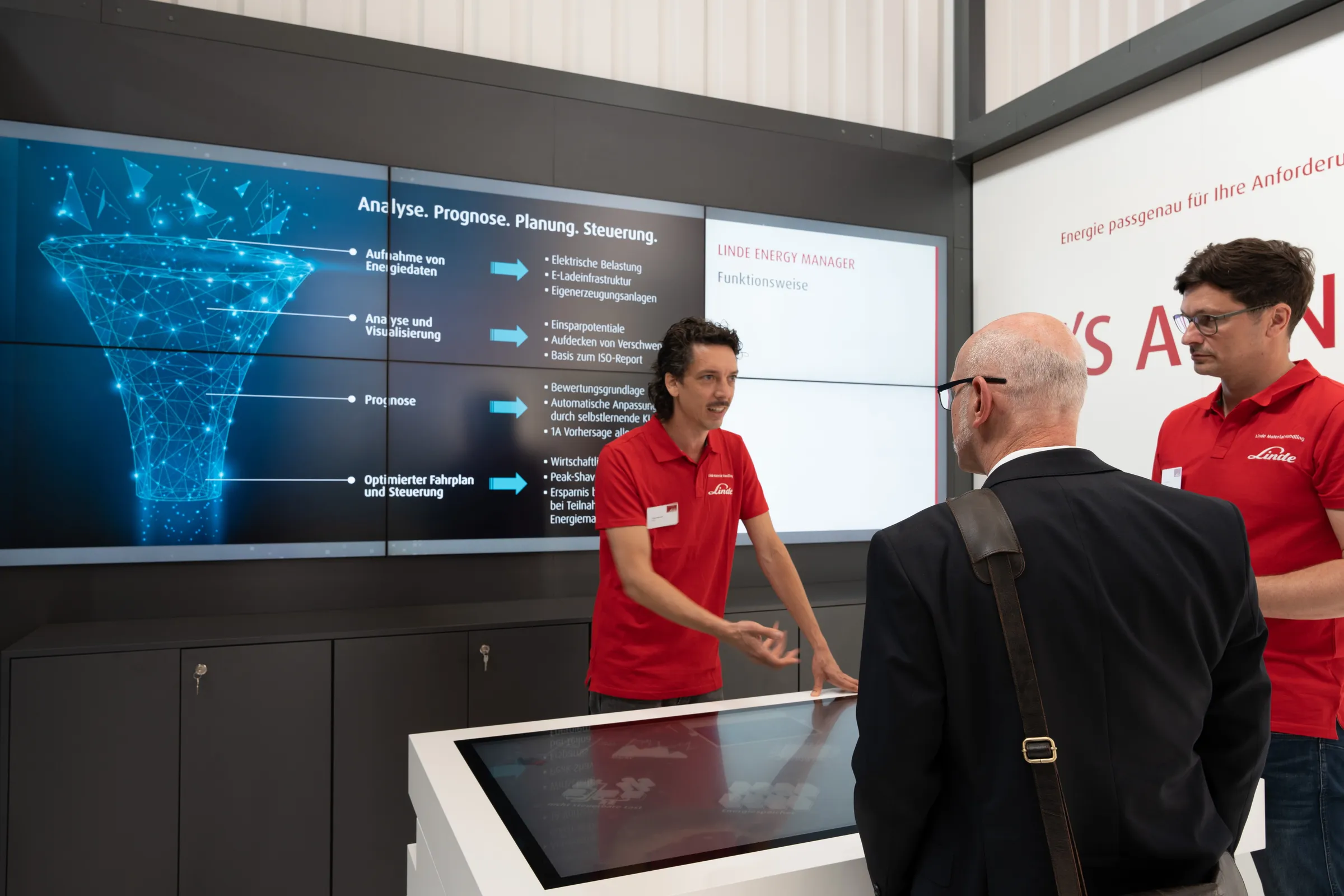
At the exhibition stand, an interactive display must fulfil two purposes: to attract attention from a distance and to facilitate a good conversation up close. Large visuals catch the eye. Product configurators, 3D models, games or interactive maps give visitors a specific reason to stop and take a look.
Mobile structures, robust technology and content that can be updated quickly are just as important as the concept itself. Find outmore about interactive exhibition solutions.
Interactive exhibitions
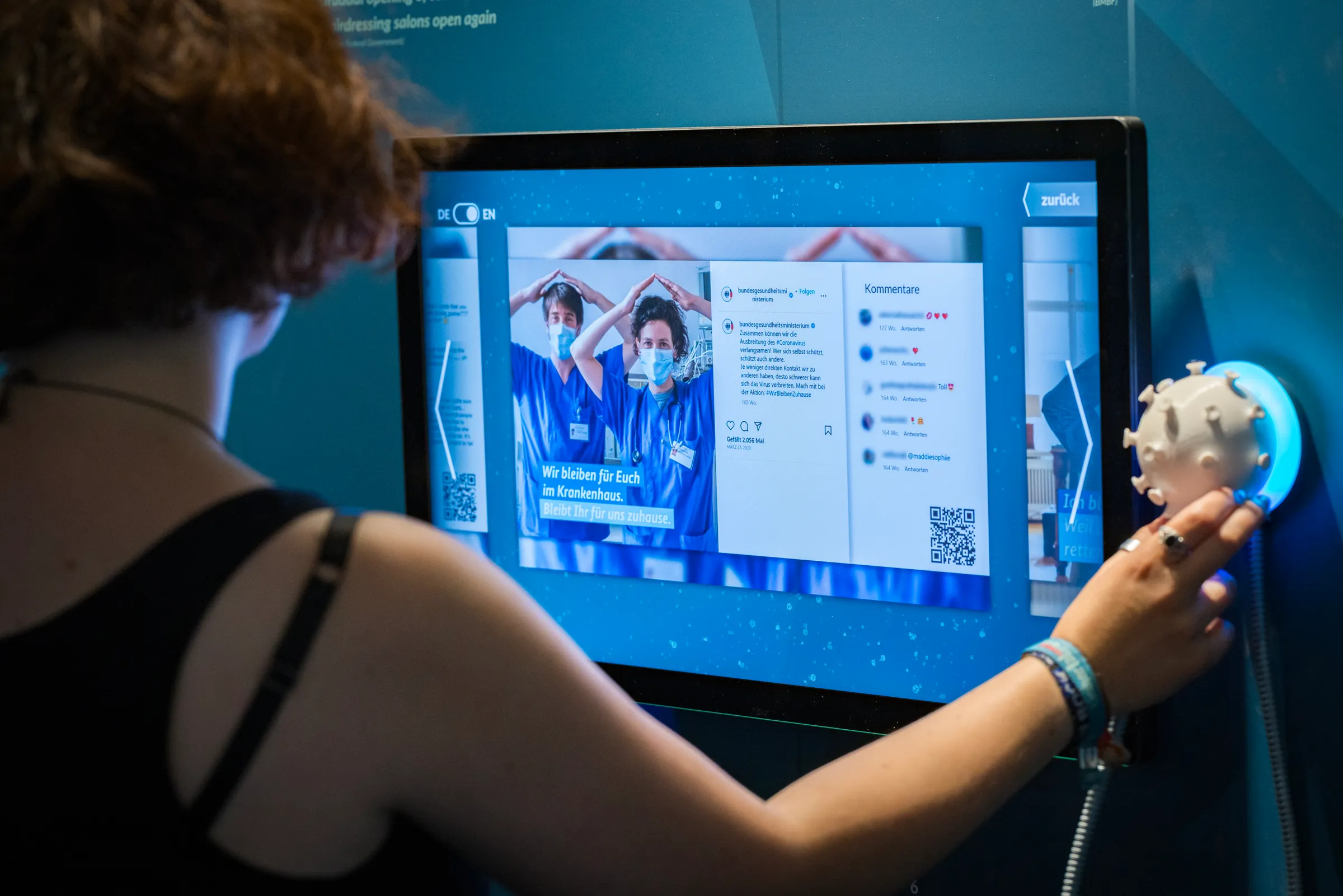
In exhibitions, interactive touchscreens enable visitors to explore knowledge at their own pace. Visitors can choose the language, level of detail and order of presentation themselves. Timelines, maps and data visualisations can be experienced first-hand. For groups, multi-user applications can provide access to different perspectives simultaneously.
Which design is right for your project?
Interactive touch displays can be installed on a wall, as a freestanding unit, in a table, as part of a display case or as part of a large-format media wall. The right design is not dictated by trends, but by the space, the target audience and the desired interaction.
Design
Suitable for
A particular advantage
Planning focus
Wall-mounted display
Counselling, guidance, individual support
Easy access, compact design
Mounting height, viewing angle, cable routing
Touch-style
Foyer, exhibition, exhibit
Freestanding and clearly visible
Stability, access, maintenance
Multitouch table
Groups, Product Ranges, Presentations
Can be used from several sides
Ergonomics, multi-user interface, PC performance
Multitouch Wall
Showroom, Exhibition, Brand Experience
Powerful long-range performance and high resolution, direct interaction
Spatial impact, synchronisation, content
Interactive display case
Exhibits, premium products, exhibitions
The physical object and the digital plane merge
Lighting, glass, exhibit control
Rotatable touchscreen
360° locations, facilities, properties
Physical activity plus digital content
Rotation logic, panorama, user guidance
Is a central table of interest for your scenario? Discover our multi-touch table for professional presentations.
Technology and software: that’s what matters
Technical specifications are important, but only in the context of the specific application. For example, a display in a brightly lit foyer requires different characteristics to a station in a dimly lit museum. The requirements for computers and software are different for a simple product selection than for a real-time 3D model.
1. Display quality and touchscreen technology
Resolution, brightness, contrast, anti-reflection and viewing angle all influence how well content is displayed in a room. When it comes to touch technology, we assess, amongst other things, precision and response time, the possible touch points, the glass construction and the installation scenario. Depending on the project, either capacitive PCAP sensors or infrared solutions may be suitable. The scratch- and shatter-resistant special glass used in interactive touch displays is generally well suited to public areas within companies.
2. Multi-user rather than a queue
A multi-touch display can recognise multiple inputs simultaneously. Technically speaking, that is only half the job. The user interface must also be designed for simultaneous use. Content must not obstruct one another, reading directions must be compatible with the user interface, and important actions require sufficient space. Touch gesture recognition enables maximum efficiency in operation.
3. Customised touch software
We develop applications that are tailored to your content and your target audience – not the other way round. Possible modules include 3D product models, configurators, interactive maps, timelines, media libraries, data visualisations, quiz formats and guided presentations. We design the user interface in line with your corporate identity and test it for real-world use.
4. CMS, interfaces and operation
To ensure that an interactive touch display remains up to date, it must be possible to manage its content directly. In every project, we integrate a web-based content management system and, where necessary, databases, APIs or existing business systems. We also plan for updates, restart procedures, monitoring, access rights and support as part of the operational process.
5. Accessible and robust operation
Touch surfaces are less precise to operate with a finger than with a mouse. We therefore design control elements that are sufficiently large and clearly separated, and ensure clear feedback. The W3C’s WCAG guidelines on minimum sizes for touch targets and the requirements for sufficient contrast, amongst other things, serve as a technical guide.
For installations accessible to the public, we also check accessibility, operating height, language, font size and audio support. This measure is suitable for any project, but it should be decided upon and tested at an early stage.
How we plan your interactive touch display in 5 steps
A successful project isn’t the result of simply choosing a screen, but of a clear process. We bring together strategy, design, software and technology, step by step.
- Clarifying objectives and usage scenarios: We define target audiences, communication objectives, content, space, the visitor journey and desired conversions.
- Designing the user experience and user flow: We develop the guiding concept, information architecture, interaction principles and the role of the display within the overall space.
- Design and prototyping: We visualise the user interface, touch logic and key content at an early stage. This allows us to test the user experience before the full application is developed.
- Integrating software, hardware and interfaces: We develop the application, select the appropriate interactive touch display and connect it to computers, sensors, CMS and other media.
- Testing, installation and operation: We carry out testing using real-world usage scenarios, install the system on-site, train your team and provide support with maintenance, updates and further development.
Would you like to try out the features for yourself? Visit our interactive showroom in Berlin.
Interactive touchscreens in practice
Our projects demonstrate better than any list of features just how versatile touch technology can be.
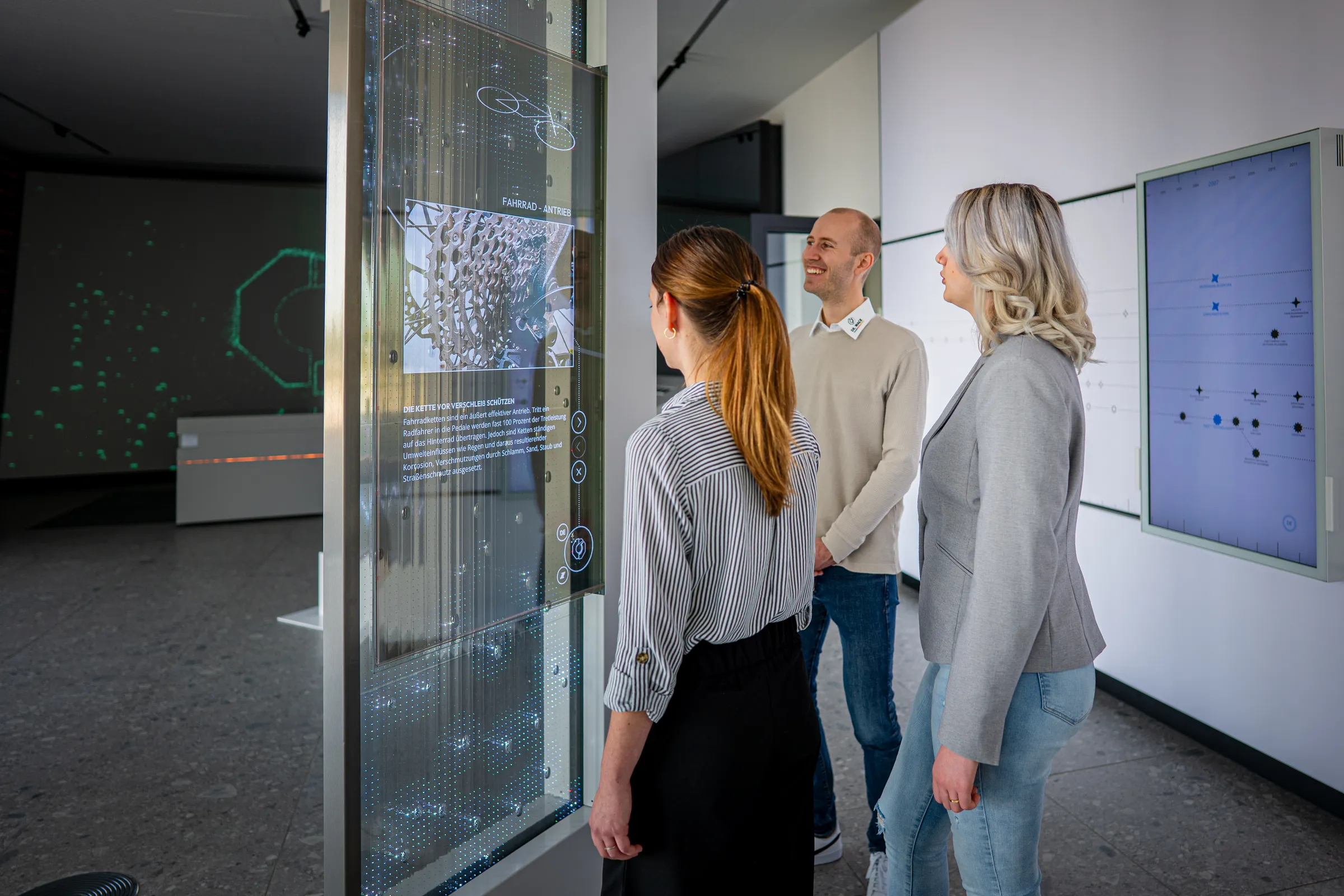
Wack Group: transparent 3-layer display
For the Wack Group’s corporate showroom, we have combined transparent OLED touchscreens with LED film and a moving layer of glycerine. The digital surface reacts to movement and superimposes content directly onto the physical display.View the project.
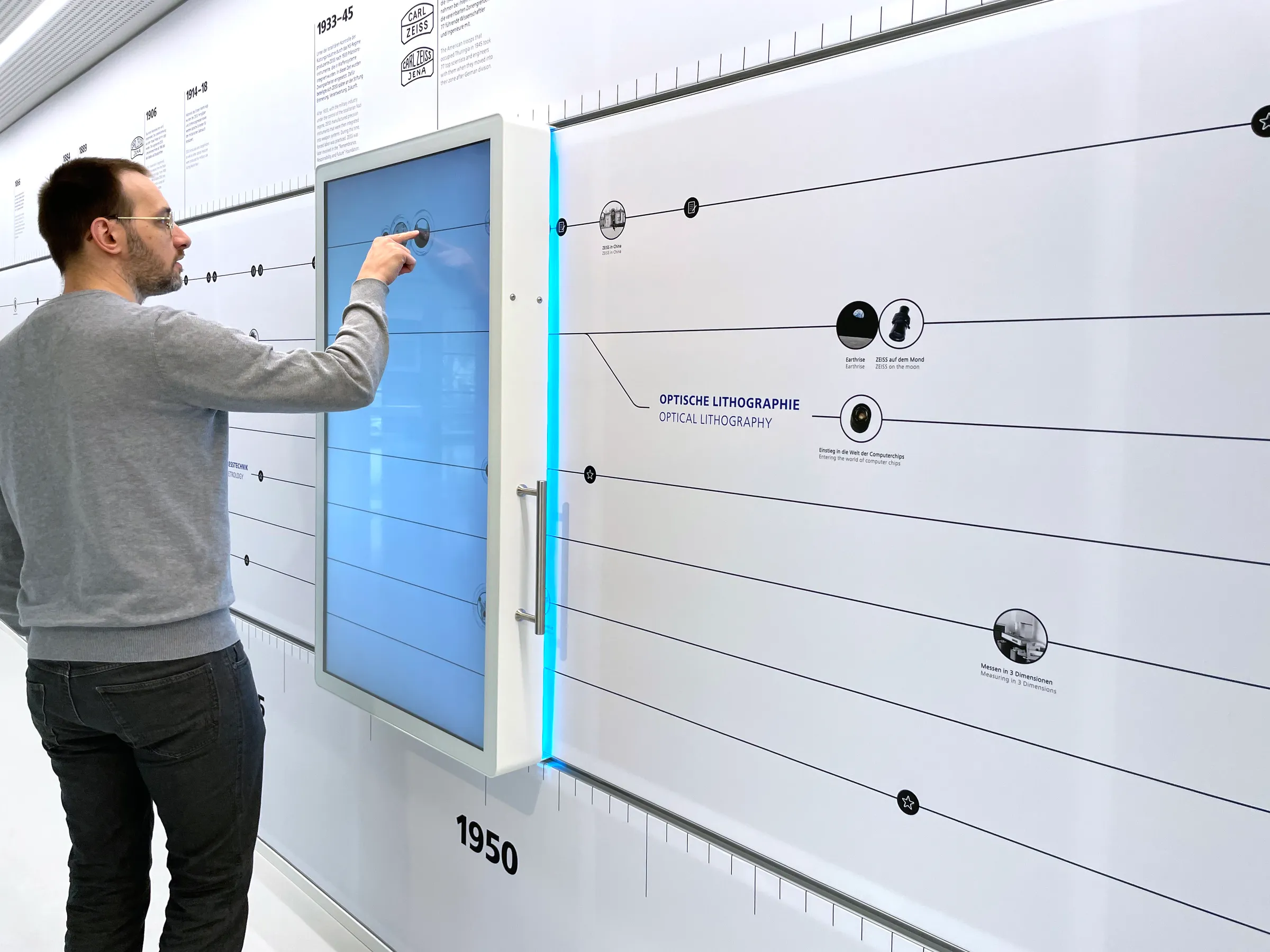
ZEISS: sliding touchscreen and screen wall
In the corporate exhibition marking the company’s 175th anniversary, a sliding 55-inch touchscreen allows visitors to take a self-guided journey through a 15-metre-long timeline. An additional screen wall comprising 28 displays combines spatial effects with interactive content.View the project.
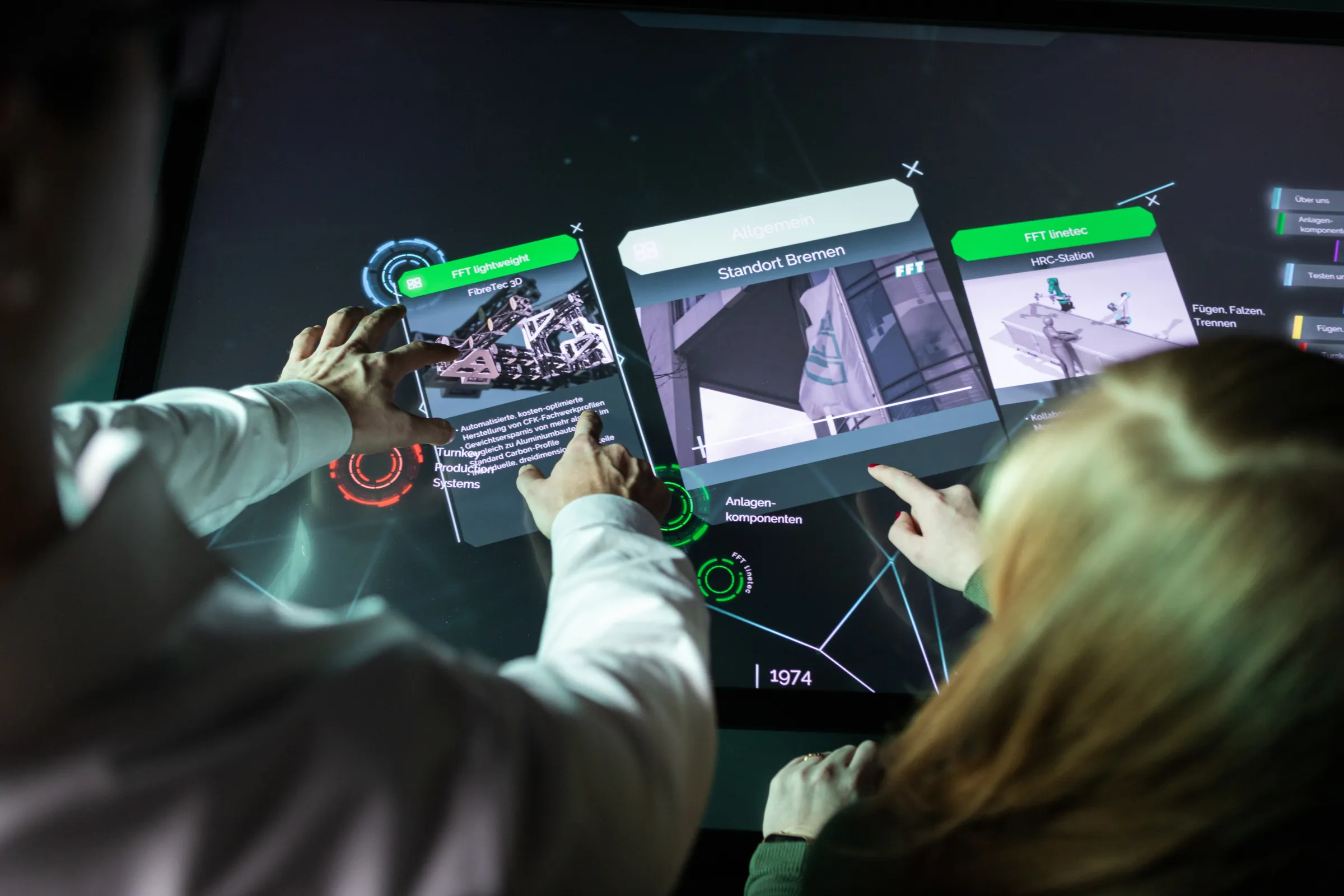
FFT Production Systems: Table, Screenwall and CMS
In the FFT showroom, a multi-touch scanner table forms the interactive centrepiece. Content can be transferred from the table to a screen wall; the software, user interface and content management system have been tailored to the company’s product and corporate communications.View the project.
You can find further examples of how our solutions are used in our projects for interactive brand and experiential spaces.
How much do interactive touchscreens cost?
The cost of a professional touchscreen depends on the technical requirements and the overall application. For example, a single screen with simple navigation is priced differently from a networked, multi-user installation featuring bespoke cabinetry, 3D content, sensor technology and a content management system (CMS).
To ensure a reliable estimate of the costs, we clarify the following in particular:
- Display size, resolution, brightness, contrast, number of touch points and operating time
- Installation as a wall-mounted unit, freestanding unit, table, display cabinet or bespoke design
- Scope of the bespoke software and number of content modules
- 3D models, animations, videos, data processing
- CMS, interfaces, IT security requirements
- Transport, installation, maintenance and support
Following an initial discussion, we can narrow down the most appropriate level of development and draw up a transparent quotation, including a project plan. We prefer to invest in features that actually make a difference when the system is in use, rather than in technology that only looks impressive on paper.
FAQ on interactive touchscreens
What is an interactive touch screen?
An interactive touchscreen is a display with a touch-sensitive surface. Users control content directly using their finger or a stylus, accessing information, moving objects or interacting with applications. In professional projects, the appropriate software, the PC, the installation and the content all form part of the overall system.
What is the difference between a touch screen and a multi-touch screen?
A touchscreen can process at least one touch. A multi-touch screen, on the other hand, recognises several touches at the same time. This enables gestures such as zooming and rotating, as well as simultaneous use by several people.
What is the difference between an interactive display and a digital whiteboard?
Digital whiteboards are primarily designed for writing and annotating during meetings and lessons. Interactive displays, on the other hand, can be used for a much wider range of purposes, such as product presentations, 3D applications, wayfinding, exhibitions, configurators or connected showroom experiences.
What size should an interactive touch screen be?
The appropriate size depends on various factors: the room, viewing distance, number of users and content. As a general rule, a single workstation requires less space than a group presentation or a media wall. We therefore only decide on the size after analysing the usage scenario.
Can several people interact at the same time?
Yes, provided that the display and the software are designed for multi-user use. As well as having a sufficient number of touch points, it is also essential to have an interface on which several people can work independently without getting in each other’s way.
What sort of content is suitable for interactive touchscreens?
Suitable examples include product information, 3D models, maps, timelines, videos, images, data visualisations, configurators, quiz formats and documents. The choice should always be tailored to the target audience, the space and the desired action.
Can content be updated via a CMS?
Yes, in every project we integrate a bespoke content management system, as well as databases or interfaces, upon request. This enables authorised teams to manage and keep texts, images, videos, products or language versions up to date themselves.
Are interactive touchscreens suitable for trade fairs and continuous operation?
Yes, for trade fairs we design portable, transportable systems that can be set up quickly. For permanent installations, we take into account professional-grade hardware, cooling, updates, monitoring, maintenance access and support.
How long will the implementation take?
The duration depends on various factors such as the scope of the software, the hardware, the content, the interfaces and any bespoke development. A clearly defined standalone application can be developed within a few weeks, whilst complex showroom or exhibition projects often take several months. Following the concept phase, we draw up a detailed timetable.