
Maintenance & Support for Corporate Showrooms
- Showroom
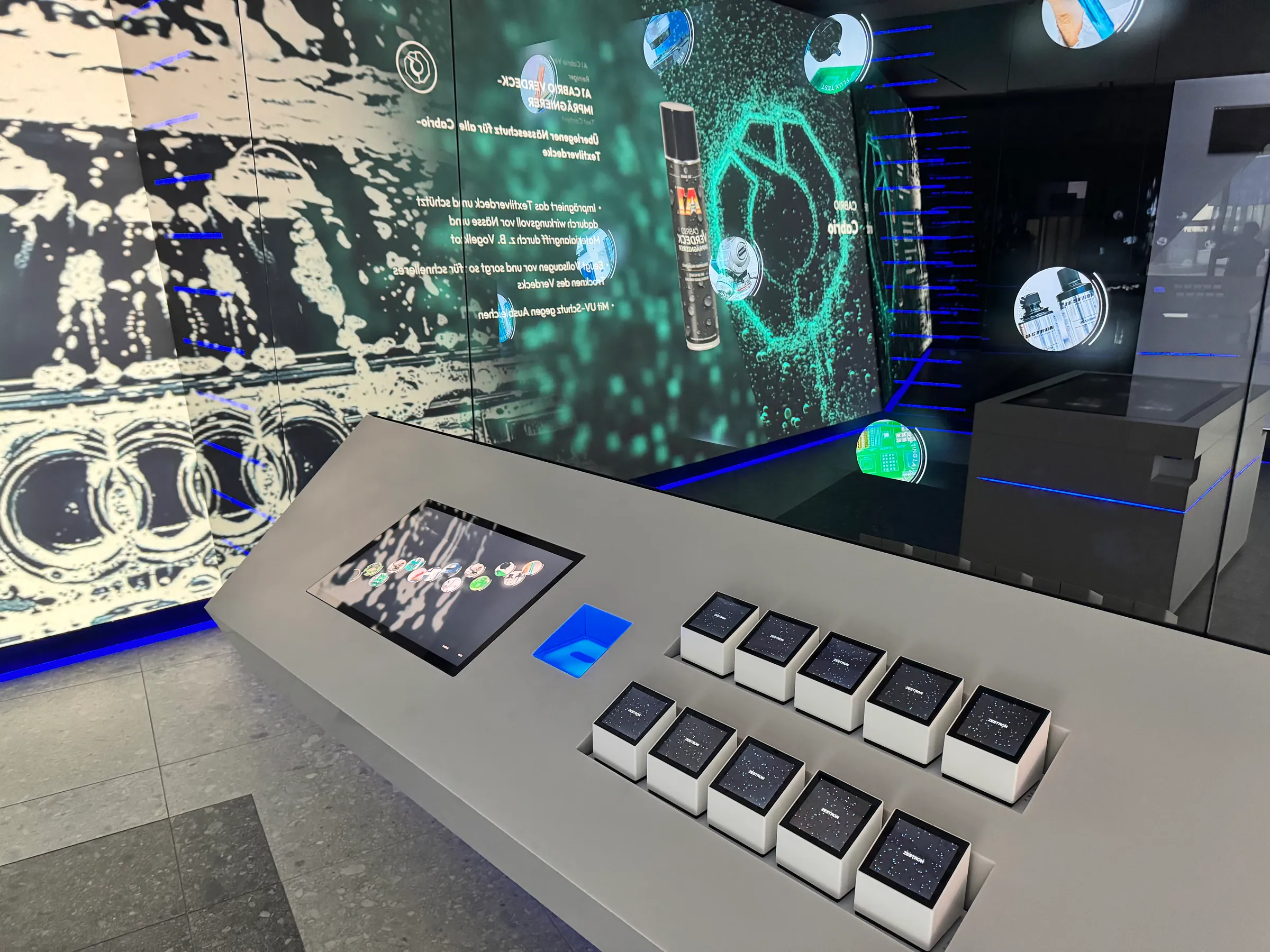
A corporate showroom or interactive exhibition must not only function on the day of the opening. The technology should start up reliably every morning, cope with a full day’s operation and continue to run smoothly even after many years.
When it comes to complex interactive systems, this is a discipline in its own right. Displays, projectors, PCs, servers, network components, sensors, lighting, audio, bespoke software and content management systems all work together as a single integrated system. If a critical component fails, this can affect several stations simultaneously and significantly disrupt the user experience. After all, a showroom must be ready for use at all times, even during unannounced visits from customers and visitors.
Garamantis has been developing and managingcorporate showrooms and interactive exhibitionsfor more than ten years. Our installations have been operating reliably on a day-to-day basis for many years. We draw on this experience when planning the technical aspects of new projects.
What does the maintenance of an interactive showroom involve?
In a modern showroom, maintenance involves much more than simply replacing faulty hardware. Depending on the project, operations may include, amongst other things:
- automatic monitoring of the technical infrastructure
- Monitoring of PCs, servers and network components
- Remote support and fault diagnosis
- Maintenance of operating systems, drivers and firmware
- Maintenance of bespoke software
- Spare Parts Management
- Backups and recovery
- regular preventive maintenance
- On-site service
- Training and technical documentation
- Customised service level agreements
The extent to which these services are required depends on the project. A corporate showroom, which is mainly used on weekdays, has different requirements to a museum that is open to the public seven days a week.
Operational safety begins with the technical planning stage
Even when selecting hardware, we look beyond just performance and price. We also assess the role a component plays within the overall system: How likely is it to fail? What happens if it does? How quickly can a replacement be sourced? Should a replacement unit already be kept on site?
The loss of a physical tag, for example, can be rectified in a matter of seconds if a replacement is available in the equipment room. The failure of a central server or network switch, on the other hand, can affect several stations at the same time.
This analysis forms the basis for the spare parts strategy, monitoring and maintenance plan.
Automatic monitoring
In every Garamantis project, key technical components are actively monitored. We determine which parameters are relevant for each individual installation.
Typical parameters are:
- Network accessibility of components
- Status of PCs and servers
- Temperatures
- Status of key software processes
- System and error messages
- Communication between individual components
This means that many problems are identified before a visitor is faced with a black screen. Furthermore, in the event of a fault, technical information is already available. This speeds up troubleshooting considerably, particularly in the case of large-scale installations with many networked devices.
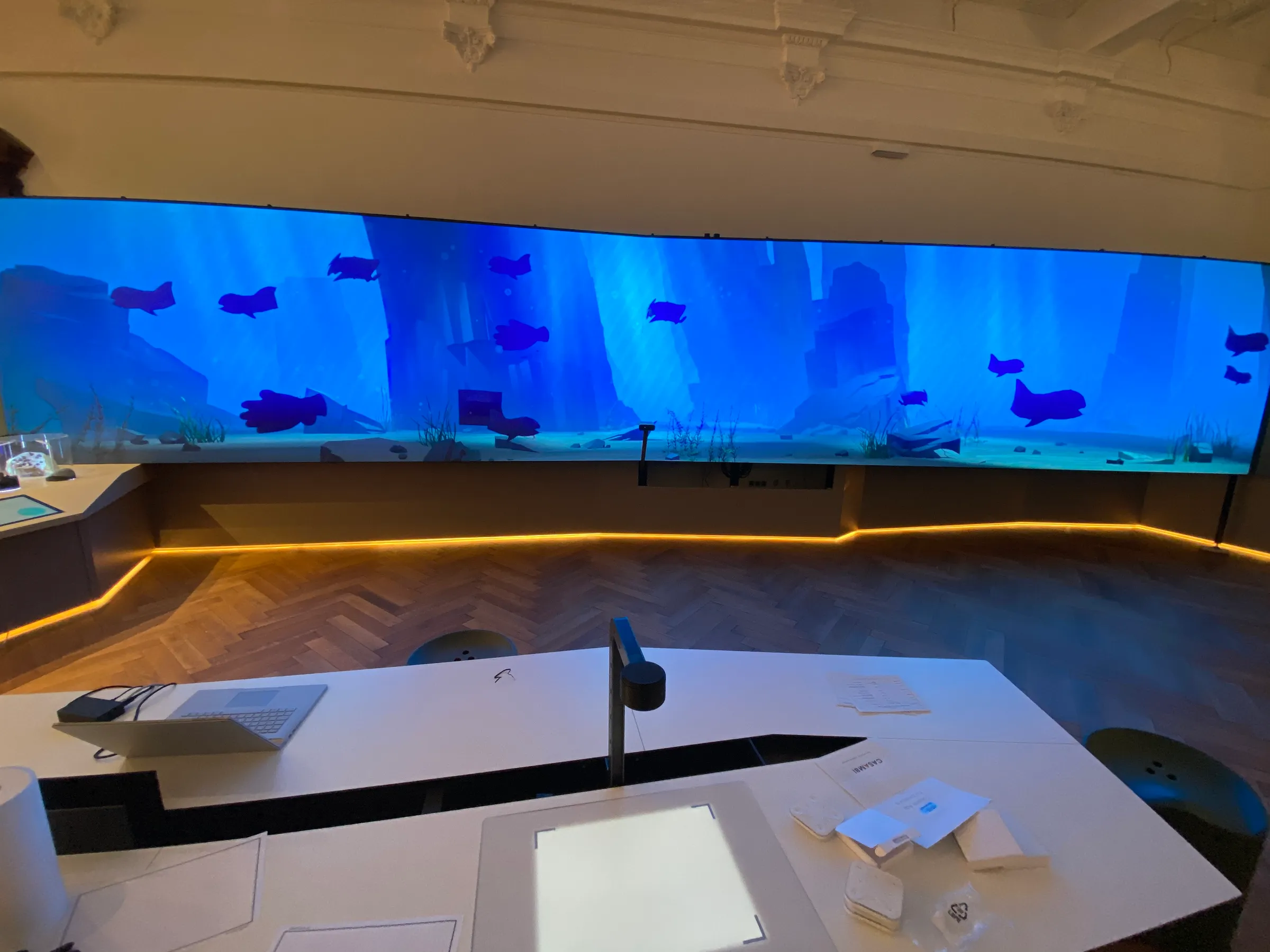
Typical maintenance tasks in showrooms and exhibitions
Many maintenance tasks are repeated across different projects. A few examples illustrate what matters in day-to-day operations.
PCs and servers: CPU, GPU, temperature and FPS
High-performance real-time applications place heavy demands on the hardware. This is particularly true of complex Unity applications, such as those developed by Garamantis for interactive installations.
That is why we do not simply check whether a computer is running. Among other things, we monitor CPU and GPU utilisation, temperature trends, available system resources and the application’s frame rate (FPS).
FPS are a good indicator of whether an application will run stably even under heavy load. We therefore test the systems under realistic conditions during development and commissioning. Such figures can also indicate problems at a later stage. If, for example, a computer’s temperature rises unusually sharply, this may be due to a deterioration in cooling.
For PCs and servers, we use only professional-grade business hardware designed for 24/7 operation. The systems we use are also covered by a manufacturer’s service, which can replace faulty equipment within 24 hours.
Projectors: Filters and wear parts
Projectors in immersive spaces and exhibitions often run for many hours a day. Their maintenance can be easily planned. Filters must be cleaned or replaced regularly, depending on the device, the environment and the operating time. If a filter becomes clogged with dust, cooling efficiency is reduced and the operating temperature may rise.
Light bulbs and other wear-and-tear parts also have a limited service life. Operating hours and maintenance intervals are therefore monitored closely. This means that replacements can be carried out outside opening hours, rather than only after a breakdown has occurred.
Haptic elements and markers
In many interactive installations, physical objects form part of the operating concept. Markers are placed on touchscreens, objects are moved, or control elements are used by numerous visitors every day.
These parts are subject to high mechanical stress. Furthermore, during exhibition operations, markers may sometimes be damaged or go missing.
We therefore often keep spare parts for such components on site. Staff can immediately replace a missing marker and continue to operate the station.
Remote Support
Most problems can be resolved without a technician having to visit the site.
Garamantis incorporates suitable remote access into its plans right from the technical design stage. Depending on the client’s IT infrastructure and security requirements, we use, for example, VPN, proxy solutions or TeamViewer.
Our technicians can check logs and system statuses, restart software processes, verify configurations, restart computers or investigate communication problems between individual components.
If hardware does indeed need to be replaced, remote diagnostics can also help: we know where the problem lies and which spare parts are required before the on-site visit.
Regular maintenance rather than waiting for a breakdown
For large exhibitions, regular on-site maintenance is also carried out. During these visits, we check system statuses and error messages, verify software versions and carry out any necessary updates. On site, for example, we can clean projector filters, check sensors, inspect computer fans, examine mechanical components or replace worn parts.
Carrying out updates in a controlled manner
Automatic updates are not always advisable for exhibition and presentation systems. A new operating system or driver update may trigger a restart or alter the behaviour of graphics, sensors, the network or connected devices. Whilst this is hardly noticeable on a standard workstation, in the worst-case scenario it could render an interactive station inoperable.
We therefore disable automatic operating system updates on the relevant exhibition systems. Operating system, driver and relevant firmware updates are carried out as part of scheduled maintenance and are then tested.
Spare hardware appropriate to the risk of failure
Even professional-grade hardware can eventually develop a fault. That is why we identify which spare parts a project will require as early as the technical planning stage.
In doing so, we focus primarily on two questions: How likely is it that a component will fail, and what impact would this have?
Critical or hard-to-source equipment can be kept on site at the customer’s premises. Other replacement hardware is stored at Garamantis in Berlin. For PCs and servers, the manufacturer’s rapid repair service is also an option.
Even small components need to be included in this planning. In the case of an interactive station, a set of spare markers can be just as important for day-to-day operations as a spare PC elsewhere.
It is therefore not a question of buying two of every device, but of providing sensible protection for the critical points of an installation.
Custom SLA models
Garamantis offers standard support, for example, during normal office hours. For projects with more demanding requirements, we agree on bespoke service-level agreements.
A showroom open by appointment from Monday to Friday requires different support hours to a public museum that is open seven days a week.
The nature of the fault also plays a part. If a central control system fails and an entire room cannot be used, this is a more urgent matter than a minor restriction at a single station.
Support hours, priorities and response channels are therefore determined in line with the operational requirements of the respective project.
Operating staff can resolve many problems themselves
Effective technical planning and room control significantly reduce the number of support cases. All Garamantis installations are equipped with a central control system. Staff can use this, for example, to start or restart individual workstations, switch displays on or off, control audio and lighting, or check the status of the technical equipment.
Day-to-day operations can also be automated. A showroom starts up automatically in the morning and shuts down in a controlled manner in the evening. This means that operational staff do not have to operate every computer and display individually.
Software and content are also part of the business
A showroom is not just about hardware. Customised applications, control software and interfaces also need to be maintained over the long term.
If, for example, a problem arises between the sensor and the application, the cause may lie with the sensor, the network, the driver, an interface or the software. Because Garamantis takes a holistic view of hardware, system integration and bespoke software, we are able to investigate such faults across the boundaries of individual components.
Digital content is also constantly changing. In Garamantis’ content management system, new products are added, videos are replaced, languages are added and company details are updated.
Experience gained from many years of operation
The most reliable way to determine whether a technical design works is to see how it performs in day-to-day operation.
For example, the Samurai Museum Berlin has been open since 2022. Over a hundred PCs power the numerous interactive stations. The museum is open seven days a week and attracts a high volume of visitors. Nevertheless, the technical infrastructure has been running smoothly and reliably for years.
Of course, there are instances where maintenance is required: a projector filter needs cleaning, a marker goes missing, a mechanical component wears out, or a computer’s temperature rises noticeably under load.
It is precisely from situations like these that experience is gained. We now know very clearly which components require particular attention during continuous operation, where it is worth keeping spare parts on site, and which technical parameters should be monitored.
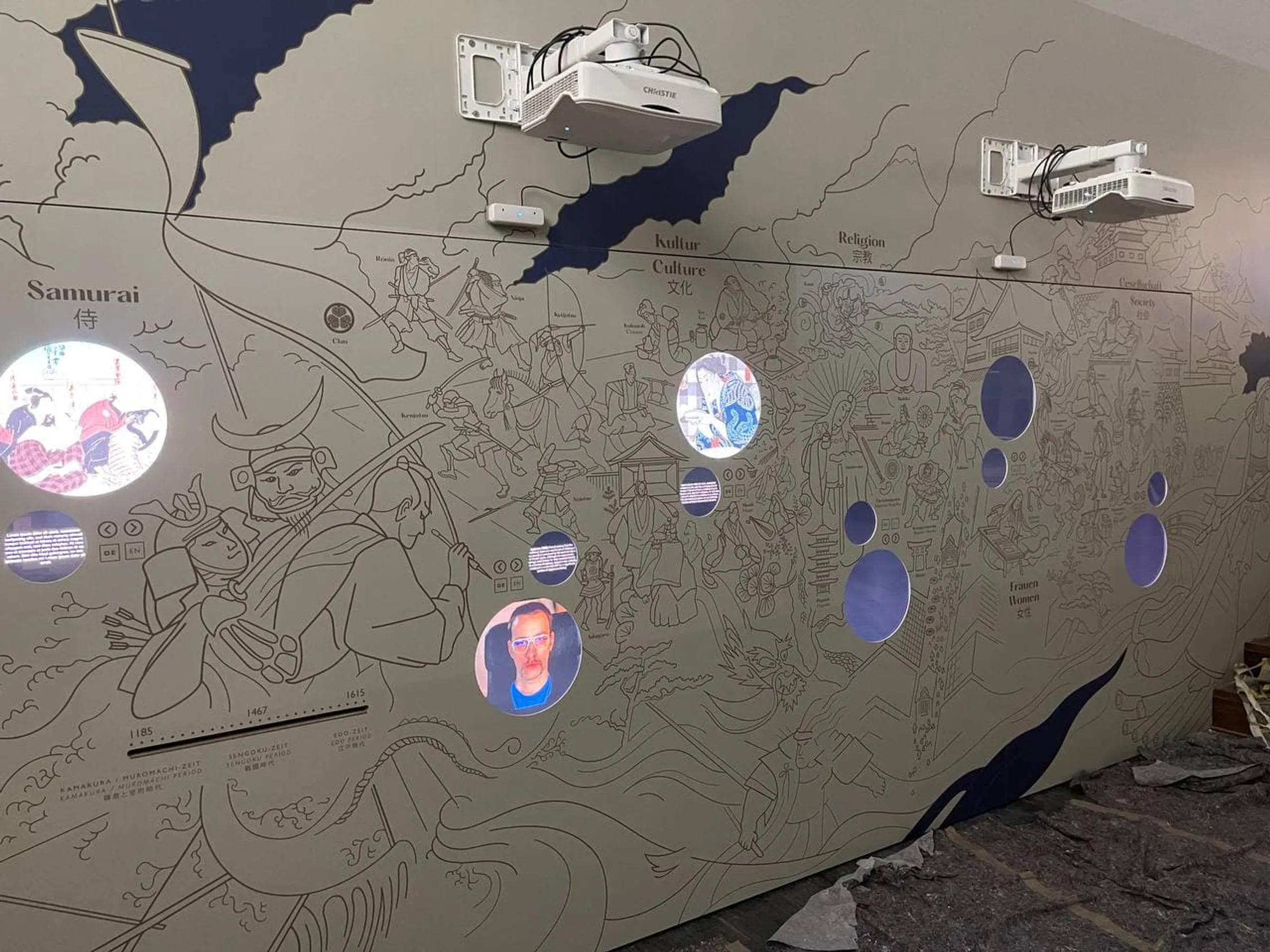
A showroom must continue to function effectively even years after it opens
Hardware ages, manufacturers update their products and operating systems continue to evolve. Furthermore, visitors do not always treat installations in the way that is anticipated during the planning stage. This cannot be prevented. However, it is possible to prepare for it.
That is why we take maintenance into account right from the technical planning stage, monitor key systems whilst they are in operation, and carry out updates and maintenance work in a controlled manner. In the event of a failure, remote access, replacement hardware and defined support processes are available. And if the technology or content changes over time, we continue to develop the installation accordingly.
This ensures that a showroom remains a space that can be used reliably for many years to come.
Frequently Asked Questions about Maintenance and Support
How often should an interactive showroom be serviced?
That depends on the technology, usage and opening hours. As a general rule, high-footfall public exhibitions require more frequent maintenance than smaller corporate showrooms. The scope and frequency are therefore determined on a project-by-project basis.
Can showrooms be maintained entirely remotely?
Many software and system issues can be resolved via remote support. However, work on hardware, projectors, mechanical components or cabling requires a technician to be on site.
Which spare parts should be kept on site?
This depends on the probability of failure, the criticality and the lead time. Particularly critical hardware, as well as items that are used frequently or are easily lost, are usually kept on site.
Why are automatic updates disabled?
Updates may affect drivers, interfaces or specific software. We therefore carry out relevant updates as planned and then test the installation’s functionality.
What is an SLA?
A Service Level Agreement (SLA) sets out, amongst other things, support hours, priorities and response procedures. Garamantis tailors these services to the opening hours and requirements of each individual project.