
Capacitive Object Detection on a Multitouch Table: Advantages, Limitations and Practical Applications
- Infographic
- Multitouch
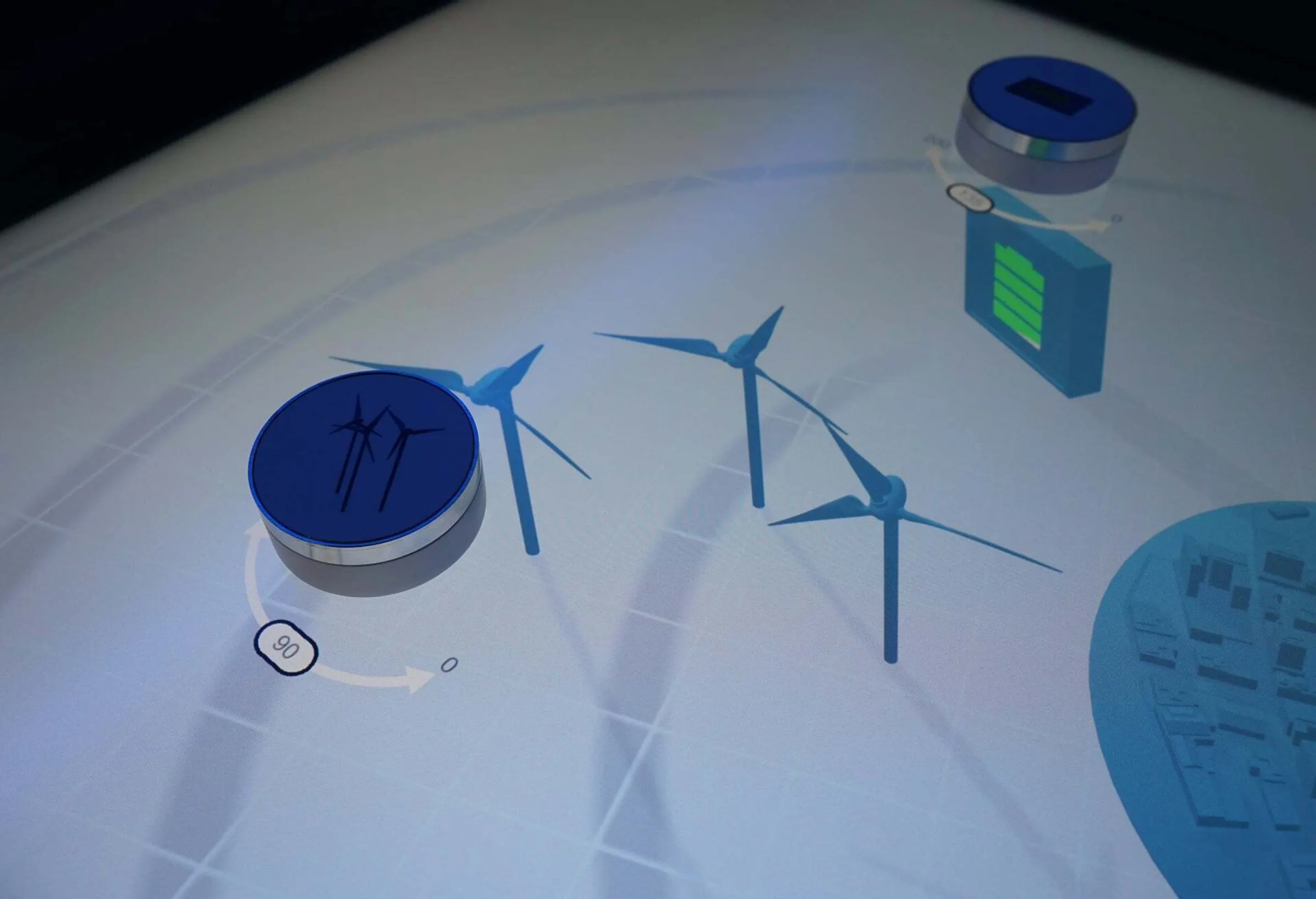
Place a model on the multi-touch table and open the relevant information. Turn a marker and change a value. Place two variants side by side and compare them: capacitive object recognition links real-world objects with digital applications. It is ideal for corporate showrooms, museums and exhibition stands where people are required to select or influence content through a tactile action.
However, a touchscreen does not automatically recognise just any product. The key factors are the recognition system, suitable markers and the software that translates their position and movement into a meaningful interaction.
What is capacitive object detection?
Capacitive object detection uses the capacitive sensor of a touchscreen to detect suitable objects or markers on the surface. Depending on the system, it provides an identifier, a position and an angle of rotation. An application can use this to open content, select options or change parameters.
Such physical control elements are also known as tokens, tangibles or markers. The term ‘tangible interface’ refers to the operation of digital applications using physical objects; it is not a standalone recognition technology.
How does the detection work?
A capacitive touch sensor detects changes in its electric field. In a common form of object recognition, conductive contact points on the underside of a marker generate a characteristic pattern. The associated software analyses this pattern and assigns it to an object.
Other systems use specialised sensors and evaluation methods. Consequently, not every PCAP touchscreen is automatically suitable for every type of capacitive object recognition. The display, sensor, marker, recognition software and application must all be compatible with one another.
The application determines what effect a recognised action has: placing a marker can open a product world, its position can change a selection, and rotating it can operate a control. The information that is actually available depends on the system selected.
Passive and active markers
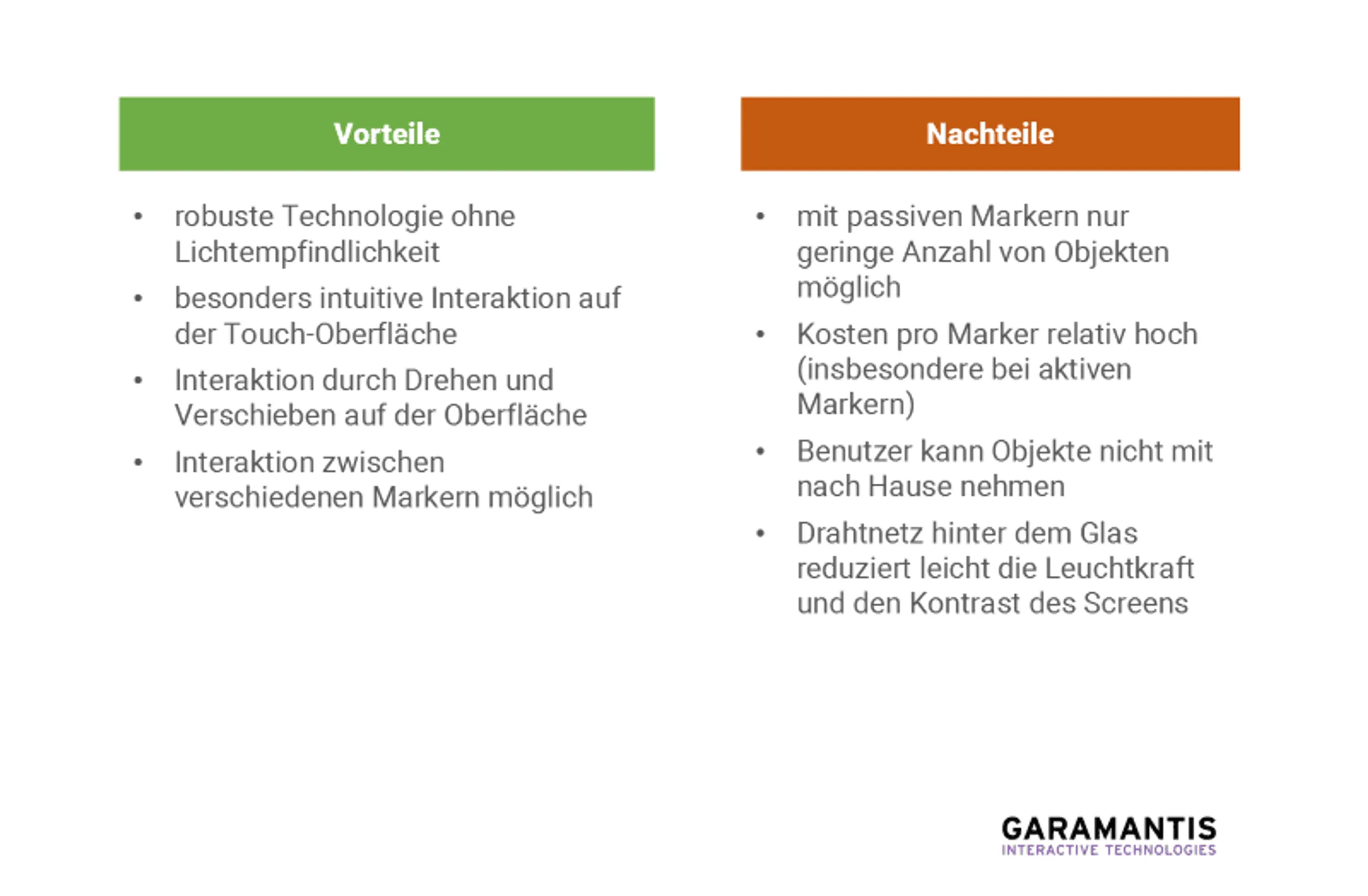
Passive tags do not require their own power supply. They are recognised on the basis of their characteristics, which are compatible with the system. This simplifies operation, as there is no need to charge batteries.
Active tags may contain additional electronics and their own power supply. Some systems allow for an additional radio frequency identifier. Whether this solution offers an advantage depends on the number of distinguishable objects required and the intended use. Power requirements, weight and handling must be taken into account during the planning stage.
How many different objects can be distinguished?
There is no universal limit. The number of unique object identifiers must be distinguished from the number of objects present at any one time. Furthermore, marker size, sensor technology, recognition methods and simultaneous finger operation all influence the possible configuration.
You should therefore check this on the actual system:
- How many different identifiers are required?
- How many markers and fingers should be on the surface at the same time?
- What distances are required between the markers?
- Do the position and angle of rotation remain stable when the object is moved?
- How does the application work when markers are obscured, missing or incorrectly positioned?
A test carried out using the intended objects provides more meaningful results than a single figure in the data sheet.
Advantages of capacitive object detection
Interaction takes place directly on the display. Digital information can be spatially linked to the object placed on it. For example, a marker can act as a control or represent a component in a simulation.
Capacitive detection does not rely on the optical visibility of a printed feature. This makes it a suitable option for changing light conditions. Passive markers also do not require battery maintenance. However, the precision and reliability of the application must still be tested using the selected hardware.
Limitations and requirements
Products must be prepared for the relevant system or fitted with suitable tags. Unaltered items taken straight from a shelf are therefore not automatically recognisable. The material, weight, underside and handling characteristics of the products must also be suitable for the display.
Another point to consider is user guidance: Which side should face down? What does a rotation mean? Which action is currently possible? Clear instructions on the interface and immediate visual feedback help to make the operation easy to understand.
Not every project requires a large number of markers. A few clearly designated objects can convey a complex topic more effectively than a large collection with no discernible purpose.
Practical guide: Configuring energy scenarios in ifesca
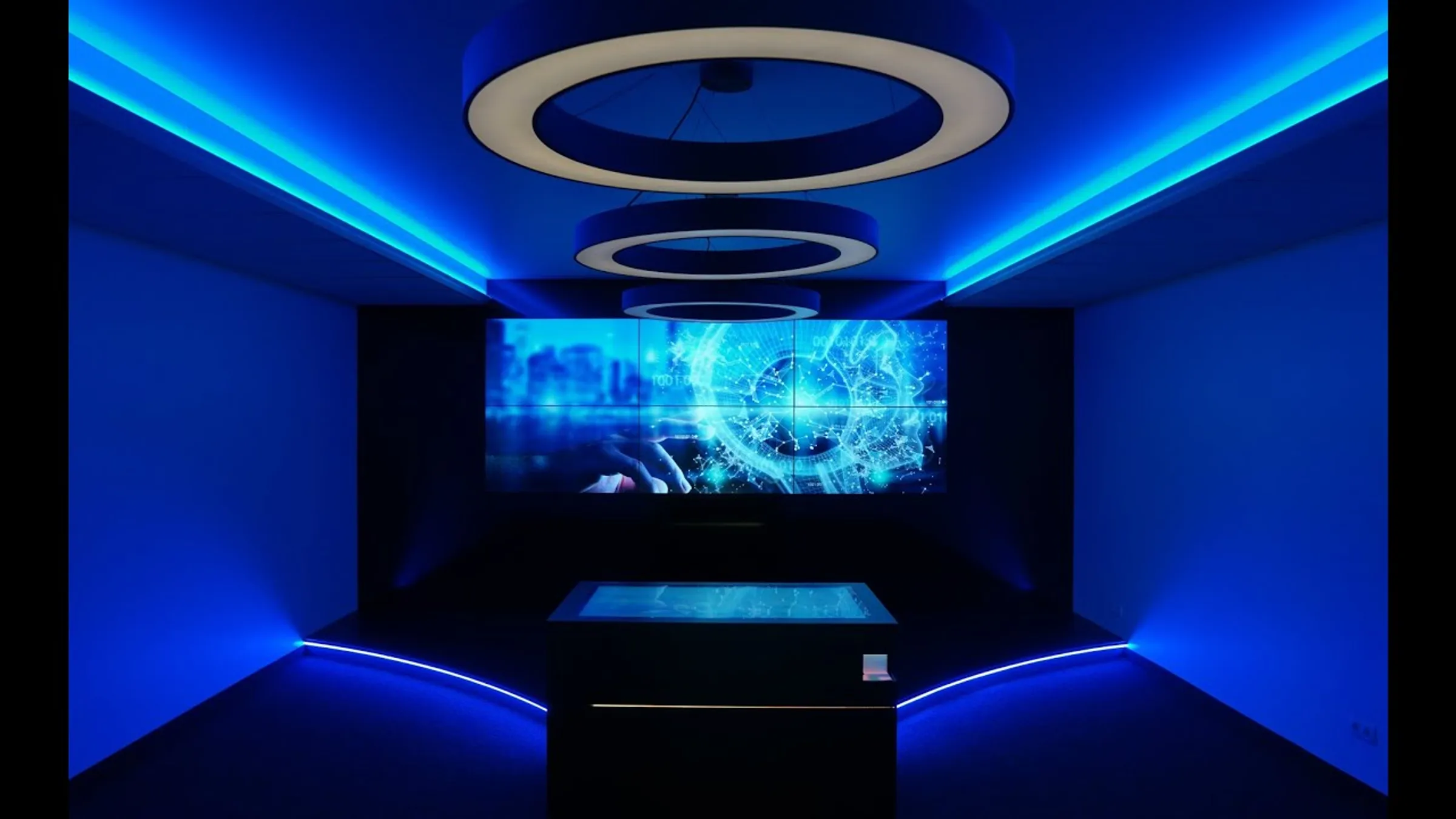
At the ifesca Future Technology Centre, Garamantis uses capacitive markers to operate an energy application. By placing the markers on the screen and rotating them, visitors can adjust settings and change scenarios. An interface connects the application to the ifesca.AIVA platform; calculations are carried out in the cloud. Results appear on the linked screen wall and are complemented by lighting and audio.
This example shows that the benefit arises from the combination of a marker, user-friendly software and specific content.
Dieser Inhalt wird von einem Drittanbieter gehostet. Durch das Anzeigen des externen Inhalts akzeptieren Sie die Nutzungsbedingungen von youtube.com.
When are other approaches appropriate?
For printed media or a quick scan, optical object recognition may be more suitable. RFID can identify products via an attached tag. Which technology is appropriate depends on whether an object is simply to be identified or whether it is also to be continuously positioned and rotated on the surface.
Person detection serves a different purpose: it recognises people in the surrounding area, rather than identifying products on the display. Garamantis holds patent DE102018124452B4 for laser-based environmental detection on multi-touch screens. This patent relates to environmental detection and the associated screen operation, not to capacitive product or marker recognition.
Frequently asked questions about capacitive object detection
Do all multi-touch tables recognise capacitive markers?
No. Suitability depends on the touch sensor, the recognition system and the software. A high number of touch points alone does not guarantee object recognition.
Does the app work without an internet connection?
Local detection and locally stored content can be configured accordingly. External data, cloud computing and online services require a connection. These dependencies should be defined in advance.
Can product information be updated at a later date?
A suitable content management system enables the content intended for this purpose to be maintained. New interactive features may require additional software development.