
Optical object recognition on a multi-touch table: possibilities and limitations
- Infographic
- Multitouch
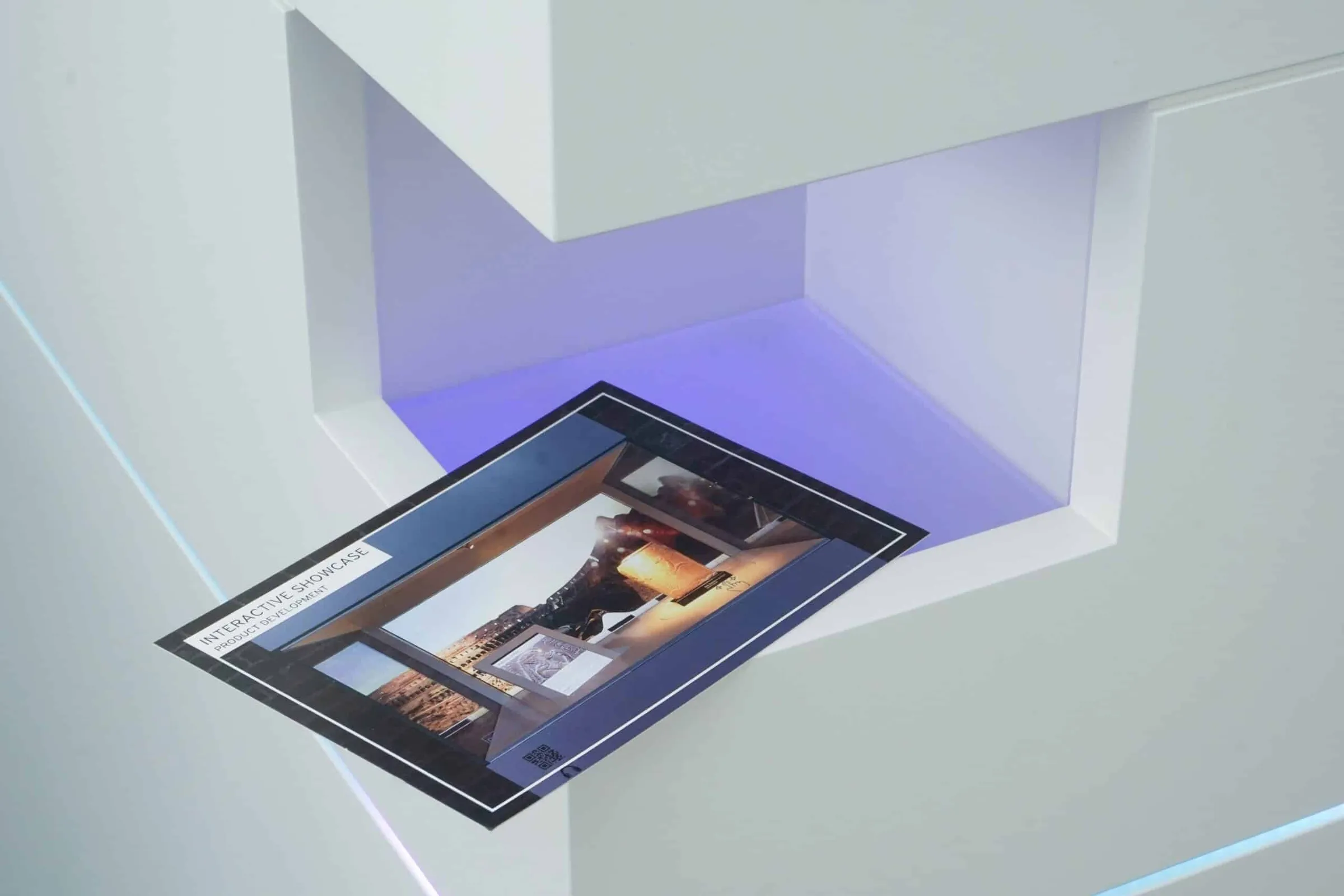
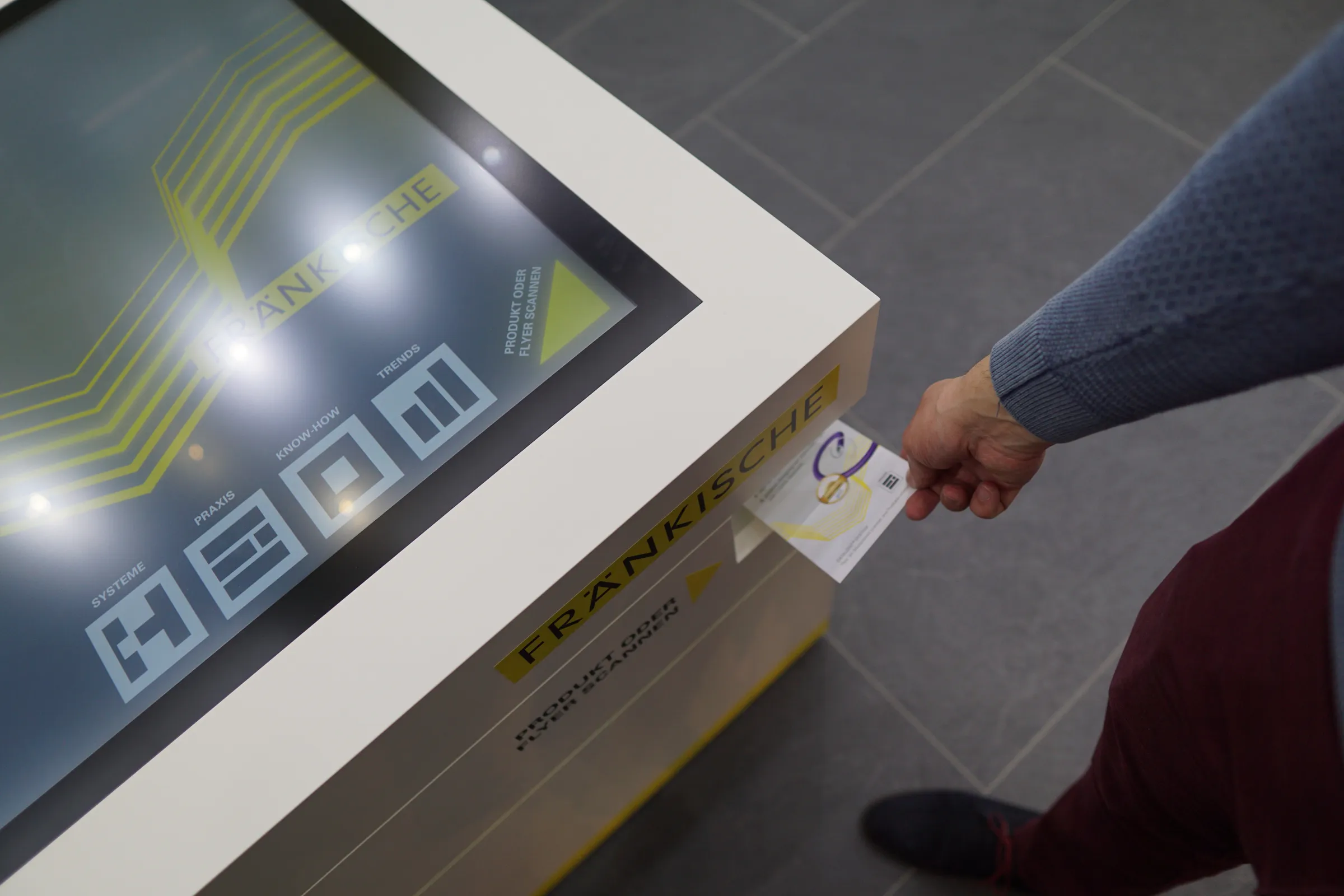
A leaflet opens the relevant product presentation. A scanned card appears on the screen. A pre-prepared product sample leads to further information: camera-based recognition links physical objects with digital applications.
A distinction must be made between various functions. A system can identify a familiar motif, capture a document as an image, extract text from a printed document or read a code. These tasks require different software and should not be lumped together under a blanket promise of recognition.
What is optical object recognition?
Optical object recognition analyses camera images to match known characteristics to an object or a template. On a multi-touch table, a camera may be integrated into a scanner recess, at a reading point or in another suitable position for this purpose.
Recognition does not have to take place on the touchscreen. A quick scan in a niche can open content on the display without the object subsequently resting on the screen or being continuously tracked there.
This is to be distinguished from optical systems that detect markers on an interactive surface and track their position. This article focuses on complementary camera and scanning solutions for multi-touch tables.
Four functions you should be able to tell apart
FunctionWhat the system processesPossible applications
Template recognition
Recognisable visual features are matched to a stored template.
A leaflet provides an insight into the relevant product range.
Image capture
A document or object is photographed.
A handwritten card appears on the table.
Text recognition, also known as OCR
The software recognises suitable text from a camera image.
Contact details are displayed for verification and further processing.
Code recognition
A QR code or barcode is scanned.
A unique code opens the corresponding data record.
A scan alone does not mean that the system has identified the object, nor that all the data it contains has been read correctly. The desired function must be explicitly planned.
Which items are suitable?
Printed materials featuring sufficiently distinctive images often provide a good basis for matching them to known templates. These may include leaflets, postcards or packaging.
Very similar patterns, reflective surfaces, varying packaging, obstructions or unfavourable angles can make recognition difficult. In the case of three-dimensional objects, it is necessary to check from which angles the relevant features are visible.
For products that can be clearly identified, a code or RFID tag may be the more practical solution. The choice depends on the task and the context of use.
Advantages of optical scanning solutions
Suitable print media can be used without capacitive markers. A leaflet therefore remains a standard leaflet whilst also being able to open digital content. New templates can be added depending on the system; the necessary set-up and testing form part of the process.
A scanning bay also provides a clearly defined position for the camera, the object and, where necessary, the lighting. This helps to ensure that the scanning process is reproducible. The application can immediately confirm a successful scan and display the next step.
Limitations and requirements
The camera requires a suitable view of the object. Image sharpness, lighting, distance, perspective and material all affect the result. Real-world samples should therefore be tested under the intended conditions.
The operation must also be clear: where should the card be held? For how long? How can a guest tell that the scan has been successful? A visible indicator, brief instructions and clear feedback are more important than a hidden recognition module.
When using text recognition, it may be necessary to check the results. This applies in particular to contact details, unusual layouts or illegible handwriting. Automatic transfer to other systems should only be set up once the data quality and the desired workflow have been clarified.
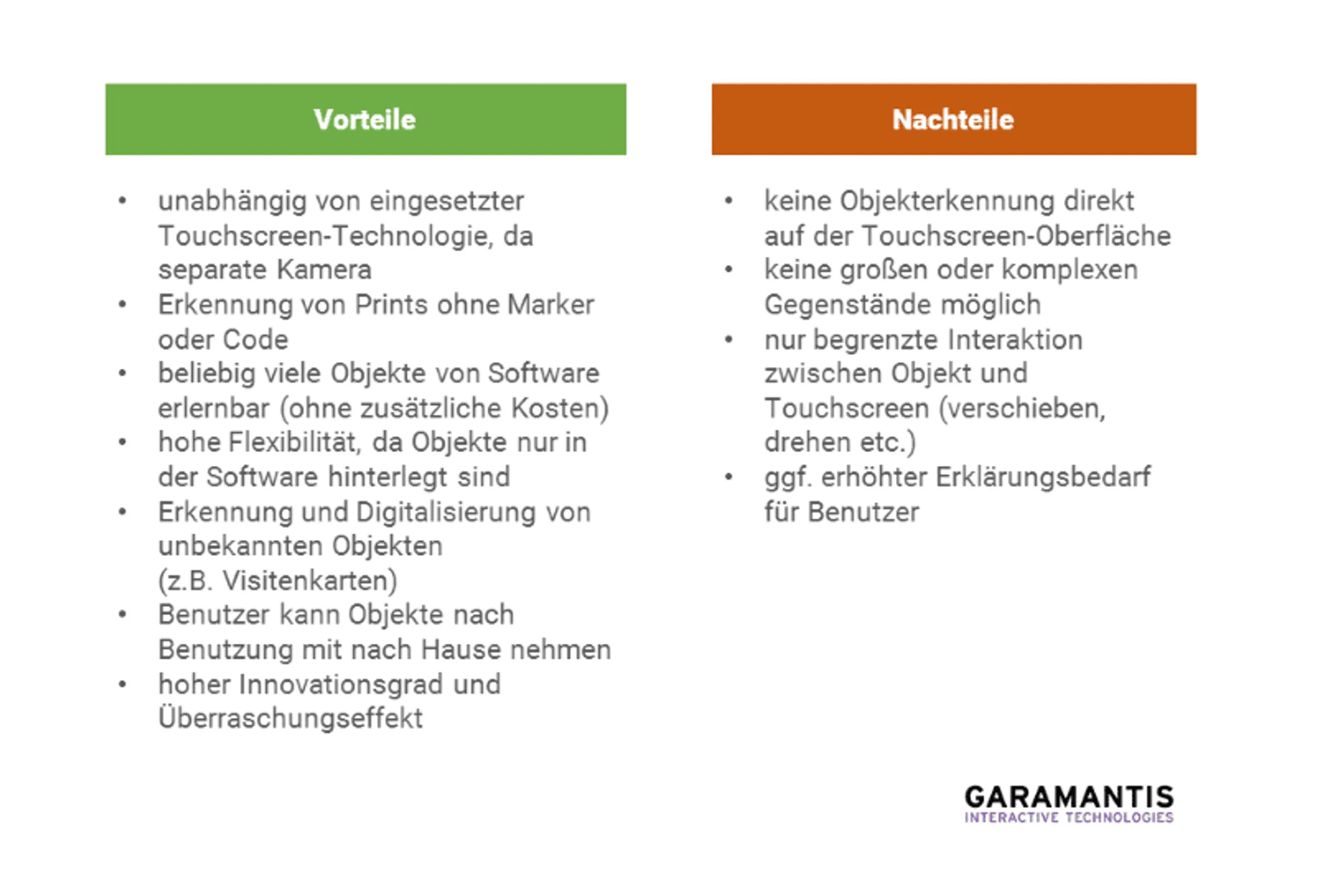
Infographic: The pros and cons of optical object recognition
Case study: Digitising handwritten cards at Berlin Hyp
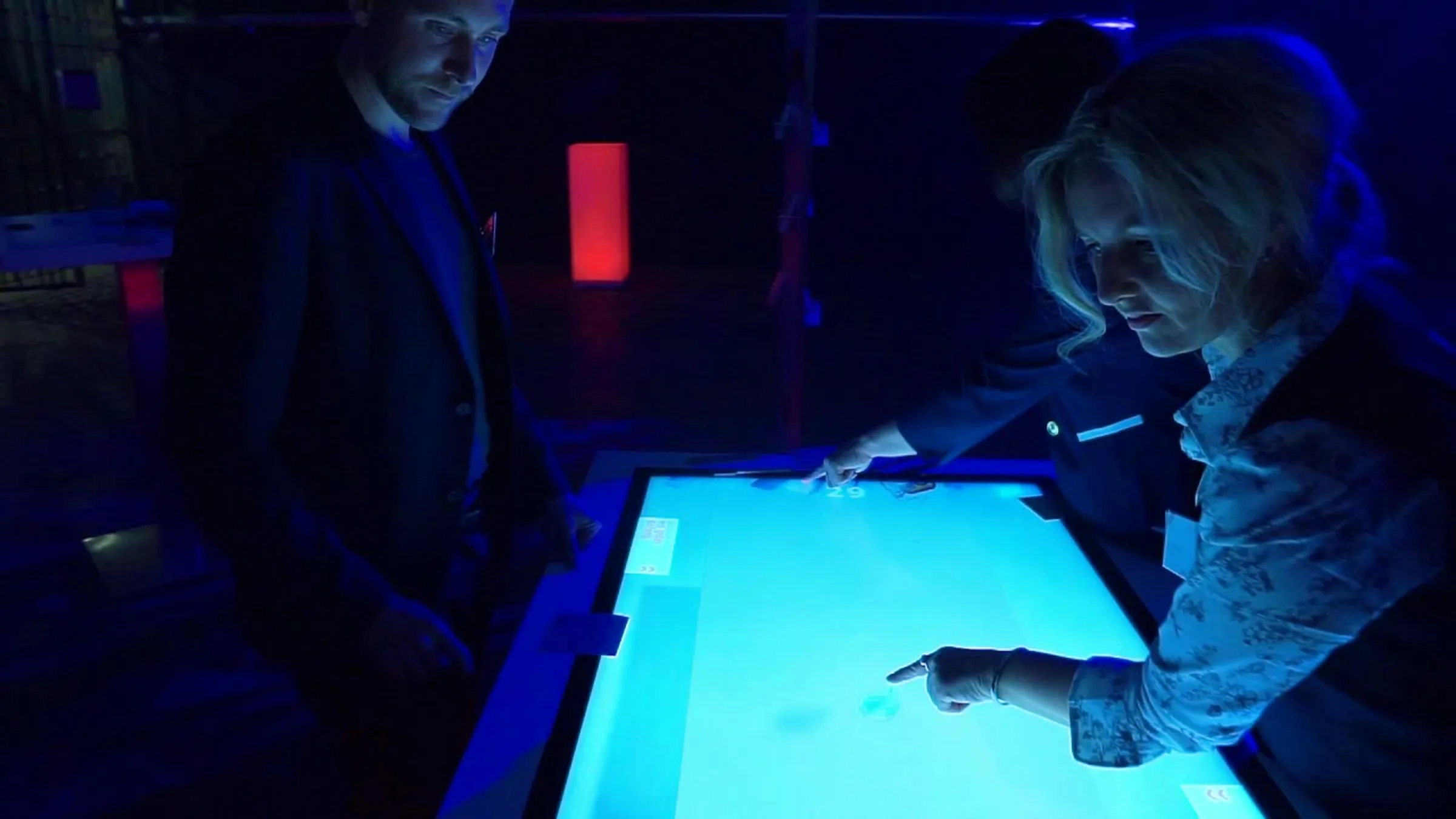
AtBerlin Hyp’s 150th anniversary celebrations, guests were able to write their wishes on cards and scan them using the multi-touch table. The cards were displayed digitally on the screen and complemented the interactive company presentation.
The specific added value lay in the conversion of a personal analogue message into a digital application. This does not entail any automatic interpretation of the handwriting or mapping of all the card data: such additional functions would need to be implemented separately.
Dieser Inhalt wird von einem Drittanbieter gehostet. Durch das Anzeigen des externen Inhalts akzeptieren Sie die Nutzungsbedingungen von youtube.com.
Optical recognition, capacitive markers or RFID?
Desired interaction: A suitable starting point for planning
Show a familiar leaflet and open its contents
Optical document recognition or code recognition
Digitising a map
Image capture via camera
Operating a control by turning an object
Capacitive markers with corresponding position tracking
Unambiguously identify a prepared product
RFID, a code or a compatible tag
A hybrid system can combine several processes. Whether this combination is a good idea depends on whether it actually simplifies the process for guests.
Checklist for your project
- Do you want to identify an object, capture it as an image or extract text from it?
- Are the items already known and unchanged, or do guests bring their own materials?
- Where does the scan take place, and how is this point made visible?
- How does the application respond to unknown or illegible documents?
- What content is displayed after the scan?
- Who sets up new templates and checks them?
Frequently asked questions about optical object recognition
Can the camera recognise any products?
No. Recognition depends on the software, the prepared templates or models, and the scanning conditions. Suitability must be tested using the actual products.
Is optical character recognition the same as scanning a business card?
No. Image capture, text recognition and matching to a known template are different functions. Which of these is required depends on the desired workflow.
Do objects have to be placed on the touchscreen?
No. A camera can be fitted at a separate scanning point. Continuous position tracking on the display is a different requirement from a one-off scan.